
Free Image to Prompt Generator
Turn any image into a detailed AI prompt in seconds. Upload a reference image, choose your output language, and generate descriptive prompts you can use with your favorite AI image generator.
- Image analysis
- 20 output languages
- Copy-ready prompts
- Midjourney, Flux, SDXL & DALL·E
Image to Prompt tool
Input Image
Select or drag the image
JPG, PNG or WebP · up to 25 MB · at least 150 px
Tip: press Ctrl+V to paste a copied image
Select AI Model
Midjourney and Stable Diffusion keyword prompts stay in English, because those tools work best that way.
Uses 1 credit · — available · Get more
Your browser shrinks the image, metadata such as location is removed, and an AI service analyses it. We do not store the image; only the text prompts are kept for 30 days. Privacy details.
Generated Prompt
Prompt HistoryThe prompt will be displayed here after generation. Add an image, pick a model and a language, then press Generate Prompt.
How to use "with my photo" in other tools
- Chat image tools (Gemini, ChatGPT and similar): attach your own photo, then paste the "with my photo" prompt.
- Midjourney: upload your photo and use its image/character reference option together with the prompt (the exact feature name depends on the version — check Midjourney's docs).
- Flux image-editing models and Stable Diffusion: use the reference-image or face-identity options (for example IP-Adapter or similar nodes) with your photo.
- Only use photos of yourself or people who agreed, and label AI images as AI-generated where required.
- Free daily credits
- Image not stored
- 20 output languages
- 5 AI model styles
Your Recent Prompts
Kept in your account for 30 days. Only the text is saved, never the image.
Your prompt history will appear here.
Sign in and generate your first prompt to keep track of your recent creations.
Sign inSee what a good prompt looks like
Real prompts shared by the community, each with the image it created. Open one to copy it.
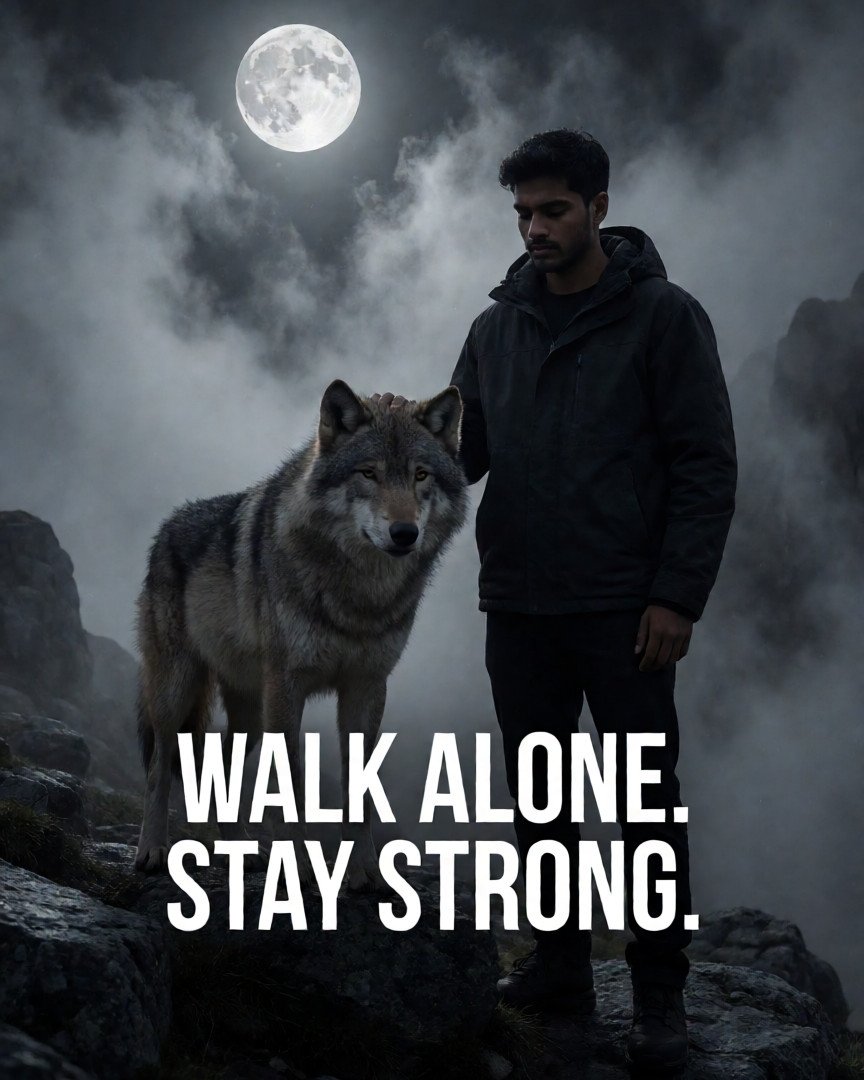 Cinematic Dark Status Wallpaper: Lone WolfCreate a cinematic dark status wallpaper featuring a lone wolf standing on a rocky mountain beneath a full moon. Thick mist, dramatic moonlight, blac…
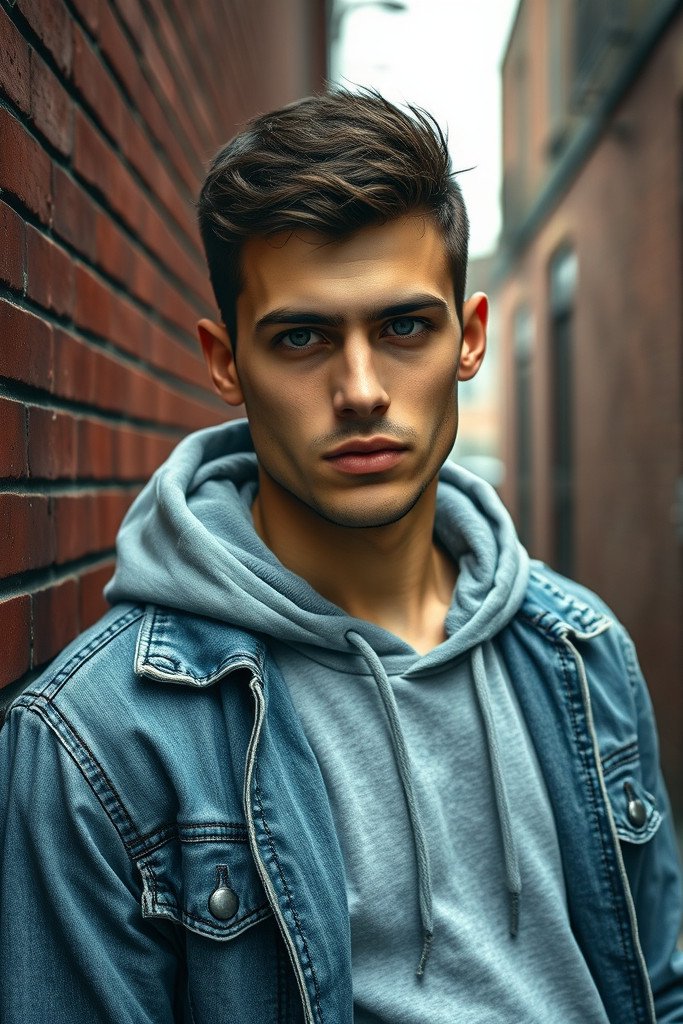 Gritty Urban Portrait of Young ManPhotorealistic gritty urban portrait of a young man with a slight stubble and short, textured dark hair, wearing a distressed denim jacket over a gra…
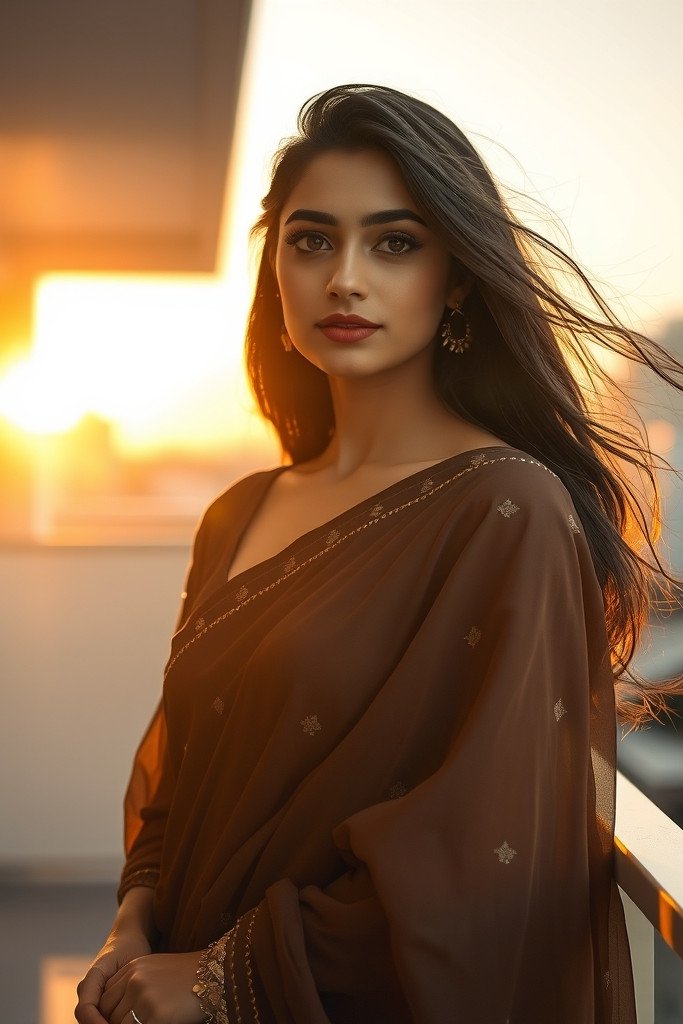 Elegant South Asian Woman in Golden HourA cinematic, ultra-realistic portrait of a graceful young South Asian woman wearing an elegant, modern chocolate brown chiffon saree with delicate su…
Why use Picslot to turn images into prompts
What people use image to prompt for
Image to prompt for every AI tool
Learn better prompting
All guides →What Is the AI Prompt Generator?
An image to prompt generator works in the opposite direction to a normal AI image tool. Instead of turning words into a picture, it looks at a picture you provide and describes it in words. That description is written as a prompt: text you can paste into an AI image generator to create a similar image or to explore variations of an idea.
Picslot uses an AI vision service to study your image. It notes what is visible, then describes how the scene is arranged, where the light comes from, which colours dominate and what style and mood the picture has. Those observations become one structured prompt tailored to your selected image generator.
What the generator looks for
- Subjects and objects. People (described only by what is visible, never identified), animals, products and scene elements.
- Composition and layout. Framing, camera angle and where things sit in the frame.
- Lighting and colour. Light direction and quality, shadows, palette and contrast.
- Atmosphere and style. Mood, art style, medium and era.
A generated prompt is an interpretation of your image, not a blueprint. It may leave out small details or describe something differently from how you see it, and the same prompt can produce different pictures in different tools. Treat it as a strong starting point and edit it. Want to improve your own prompts? Read our guides and blog.
How to Use Image to Prompt Generator
Step 1: Upload Your Image
Choose an image from your device, or drop it into the upload area. JPG, PNG and WebP are supported.
Step 2: Choose Your Settings
Pick the output language and the one image generator you want a prompt for.
Step 3: Generate Your Prompt
Tick the confirmation box and generate a prompt tailored to your selected model. The image analysis usually takes 10–30 seconds.
Step 4: Review and Copy
Read, edit and copy your selected prompt. You can switch models without analysing the image again.
Highly Accurate Image to Prompt Generation
The goal is a description detailed enough to be useful, not a vague caption. A good result names the subject precisely, explains how the shot is composed and lit, and captures the style and mood, so another generator has enough to work with.
Details the generator tries to capture
- Subjects and objects
- Composition and camera perspective
- Lighting and shadows
- Colour palette and contrast
- Art style and visual mood
- Background and environment
- Distinguishing details, including legible text in quotes
What affects accuracy
Results depend on the quality and clarity of your image, how complex the scene is, and the AI service that analyses it. Sharp, well-lit pictures with a clear subject usually work best; busy scenes, tiny details and heavy filters are harder. No tool can promise a perfect description or an identical image, so check the prompt against your original and adjust it.
Frequently Asked Questions
What is an image-to-prompt generator?
It looks at a picture and writes a text description you could give an AI image generator to create a similar image. Choose a target model and Picslot tailors the prompt to its preferred style.
Is Picslot's image-to-prompt generator free to use?
You can start for free. One analysis costs 1 credit and every account gets 5 free credits each day (they do not accumulate). You need to sign in to generate. Paid plans add extra credits; see Plans & Pricing.
How do I convert an image into an AI prompt?
Add an image in the Prompt Studio, choose an output language and target model, tick the confirmation box and press Generate prompt. After a short wait you can read, copy and edit the selected model prompt.
Which AI image generators can use the generated prompt?
Choose Universal, Midjourney, Flux, Stable Diffusion (SDXL), or DALL·E / ChatGPT. The page shows one selected prompt at a time; you can switch models after generation without analysing the image again. Each generator interprets prompts differently, so expect to adjust the wording.
Can I generate prompts in different languages?
Yes. Choose from 20 output languages. Midjourney and Stable Diffusion keyword prompts stay in English because those models respond best to English keywords. The quality of other languages depends on the AI service that processes your image, so some results may be partly in English.
Which image formats are supported?
JPG, PNG and WebP. Pictures can be up to 25 MB and should be at least 150 pixels on each side. Your browser shrinks the picture before it is sent. GIF, HEIC and other formats are not supported.
Can I use the generated prompts with ChatGPT or Flux?
Yes. There is a Flux / natural-language version and a DALL·E / ChatGPT version written as plain sentences. Paste the text into the tool of your choice. Picslot is not affiliated with those services and results vary between tools.
How accurate are AI-generated image descriptions?
They are an interpretation, not a copy. The prompts usually capture the main subject, style, lighting and mood well, but small details can be missed or misread. Accuracy depends on the picture's quality and complexity and on the AI service handling your request, so treat the result as a strong starting point and check it against your image.
Can I edit and reuse a generated prompt?
Yes. Edit it freely in any text editor or generator. Your recent prompts are listed on this page for 30 days, you can copy them again, share one on Explore, or save one to your private vault.
Are my uploaded images stored?
No. Your browser shrinks the picture, the server strips location and camera metadata, and an AI service analyses it. Picslot does not store the image. Only the text prompts are kept in your account for 30 days unless you delete them sooner. If you choose to share a prompt on Explore, the picture you publish is stored as part of that post. The AI service processes the image under its own terms; see our Privacy Policy.
Explore More AI Tools
More ways to find, create and refine AI image prompts on Picslot.
Explore AI Image Prompts
Browse prompts shared by the community, filter by model, category and style, and copy any of them.
Create an AI Image
Turn a written prompt into an image, then share it with its prompt.
Prompt Mixer
Take the subject from one picture and the style from another, blended into one prompt.
One-Tap Makeover
Pick a style, add one photo of yourself and get a picture of you in that style.
AI Photoshoot
Recreate a look you like with yourself in it.
Browser Extension
Right-click any image on the web to get its prompt.
Share to Explore
Your image will be published next to the prompt so others can see what it creates — that is how you earn +10 coins plus more when people like, copy or save it.