Prompt basics
The Anatomy of an AI Image Prompt: A Visual Breakdown
5 min read · Published 12 Oct 2026 · By the Picslot team

Most disappointing AI images come from vague prompts, not weak models. A prompt works best when it answers the same few questions every time. This post splits one prompt into seven parts so you can reuse the structure in Midjourney, Flux, SDXL, DALL·E or any other generator.

The seven parts
- Subject: who or what is in the picture. Be specific: "a lighthouse keeper in a yellow raincoat" beats "a man".
- Action: what the subject is doing. A verb gives the image a moment instead of a pose.
- Setting: where and when. Place, time of day and weather set the mood quickly.
- Style: the overall look, such as "cinematic film still", "watercolour" or "product photo". See the style keywords cheat sheet.
- Lighting: the single biggest lever on mood. See the lighting cheat sheet.
- Camera: angle, lens and framing. See camera angles and lenses.
- Settings: aspect ratio and tool-specific parameters. These differ between generators, so check your tool.
Put it together
Join the parts with commas, most important first. Nothing here is magic syntax; it is just a checklist that stops you forgetting something.
a lighthouse keeper in a yellow raincoat repairing a brass lantern on a storm-lashed cliff at dusk, cinematic film still, muted teal and amber, warm lantern glow with cold rim light from the sea, 35mm lens, low angle, shallow depth of field --ar 16:9
The trailing --ar 16:9 is Midjourney-style syntax. Other tools use a size menu or their own parameters, and the aspect ratio guide explains which shape suits which use.
What to leave out
- Piles of adjectives ("stunning, beautiful, amazing, epic"). They add little; one concrete detail adds more.
- Two styles at once ("anime and photorealistic") unless you want a blend and are happy to experiment.
- Contradictions, such as "bright midday sun" and "moody dark night".
- Everything you do not want. Many tools have a separate field for that: see negative prompts explained.
Work backwards from a picture you like
If you already have an image in mind, Image to Prompt writes a starting prompt from it, which you can then compare against these seven parts and edit.
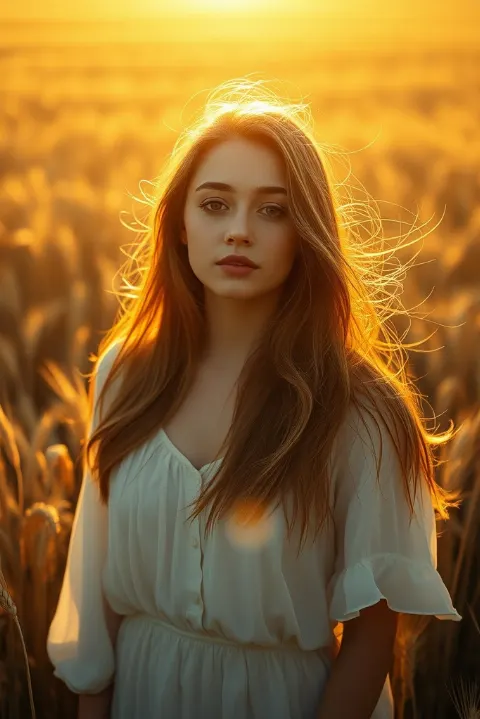
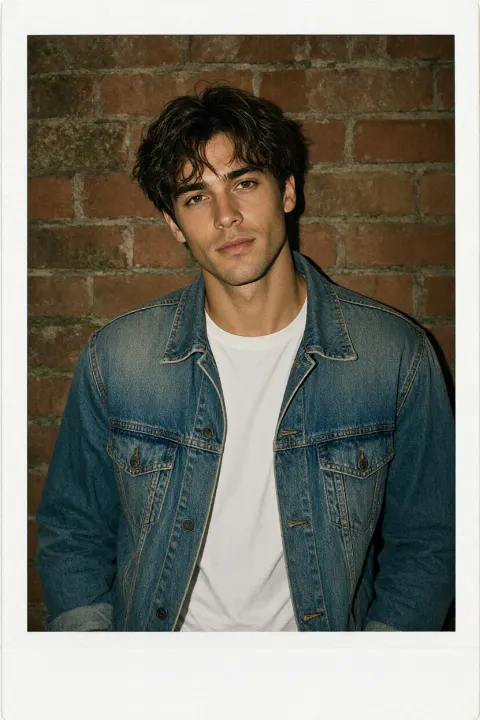
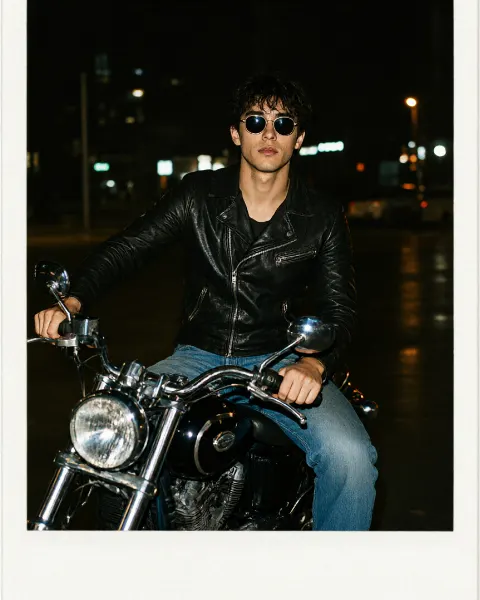
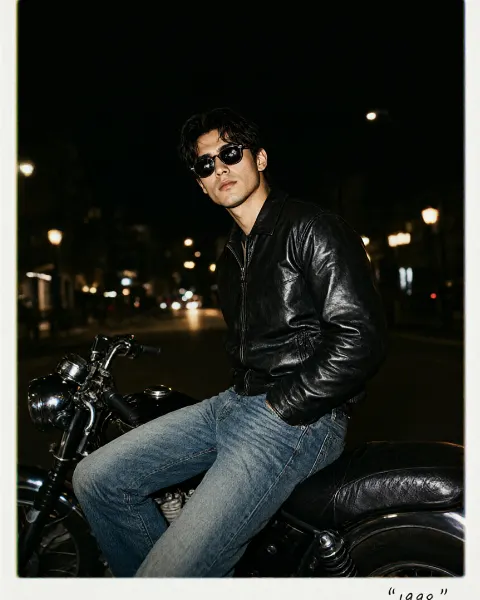
Community prompts to try · Portraits
Real prompts shared by our community. Open one to copy the full text.